We are learning about audio in Premiere Pro and how to use it, this is what I learned. Understanding audio levels - The first thing you need to know about audio is that it's measured in Decibels (dB). Once you open Premiere Pro you will see the audio meter p anel on the bottom right of your screen. It's important to know that the audio meter panel will show one meter for each audio channel in the sequence. Right-clicking this panel will allow you to change the audio level of the peaks, dB range, and color gradient. These are all tools to help you better understand audio levels. Audio effects - To start adding effects to your audio you will need to go to the effects panel where there are many different effects to choose from. In order to apply an effect, you can click and drag the effect on a single audio. You can also shirt click on multiple audios and double-click on the effect; this w...
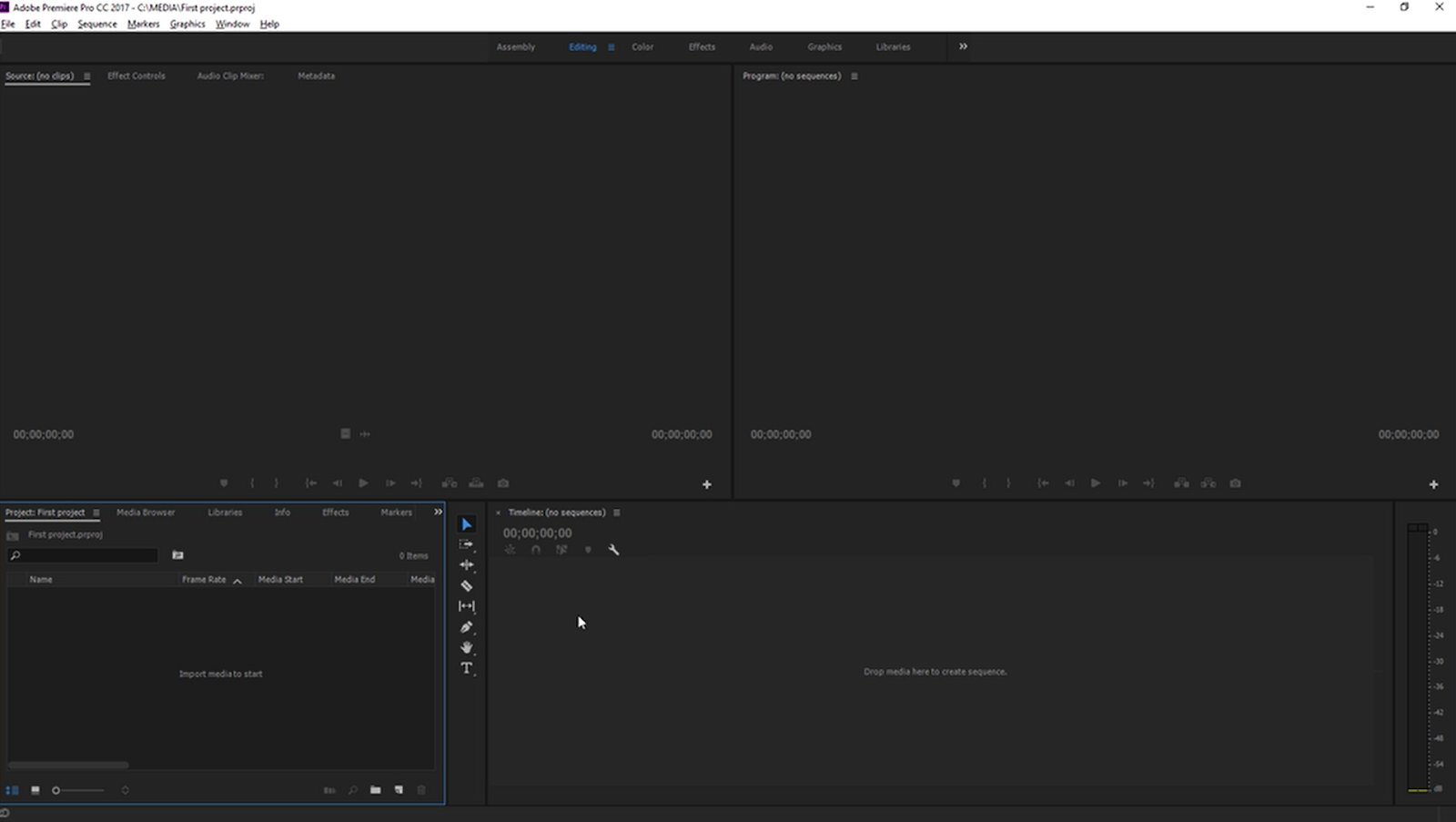
In class we have been learning how to maneuver Premiere Pro, this is what I have learned. Start - In order to start you will need to do one of two things. You can either import a file you already have or create a new one. During this part of the process, you can change the location of your files in order to find them more easily. Once you open Premiere Pro you will then start to add your clips. Here is a picture of what a new project should look like in Premiere Pro. Importing media - To import media, you first need to locate where your clips and files are, for example, a media folder. To import these files just right-click on them and click import. To view one of your clips you can double-click them, and they will appear in the source monitor. Here is a picture of what it looks like. Adding clips to a sequence - In order to add plips to a sequence you first need to make one. you can create a sequence by clicking on the new menu button in the ...
I spent this week planning and recording my media studies video. I created a shot list of all the scenes and shots I wanted to film this week. My story is called the Hole, I provided an image of my shot list along with the link to watch my video. Media Studies Week 2 progress video - YouTube


Comments
Post a Comment